Manuals
Choose the version of your camera
- V1.0












AKASO 360 APP


AKASO 360 Studio


FAQs
What microSD card does AKASO 360 support?
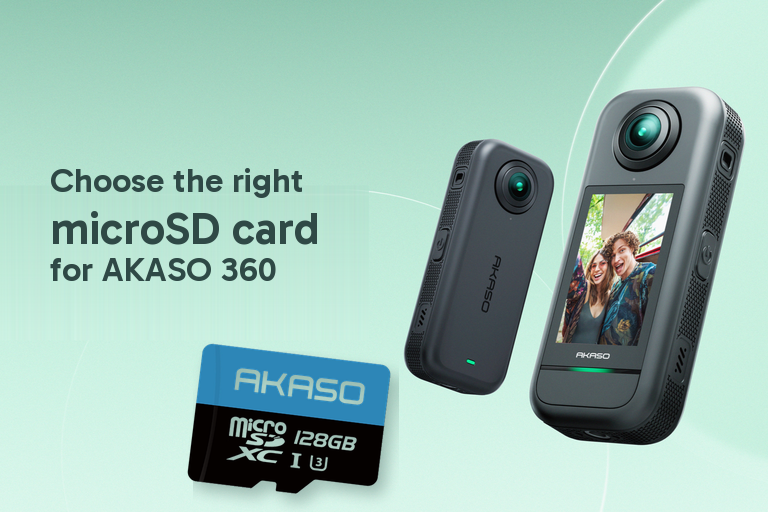
To ensure reliable recording and file storage, your microSD card must meet all of the following requirements:<br/>
- Speed Class: UHS-I V30, UHS-I U3, or higher <br/>
- Capacity: Up to 512GB <br/>
- File System: exFAT <br/>
Cards that do not meet these requirements may cause recording interruptions, file corruption, import failures, or SD card errors<br/>
How much recording time can I get with different SD card sizes?
What should I do before using a microSD card with AKASO 360 for the first time?
What phones are compatible with the AKASO 360 App?
What are the system requirements for AKASO 360 Studio?
Should I use the AKASO 360 App or AKASO 360 Studio for editing?
Does the AKASO 360 App or AKASO 360 Studio require a subscription?
What's the difference between Flat Video and 360 Video?
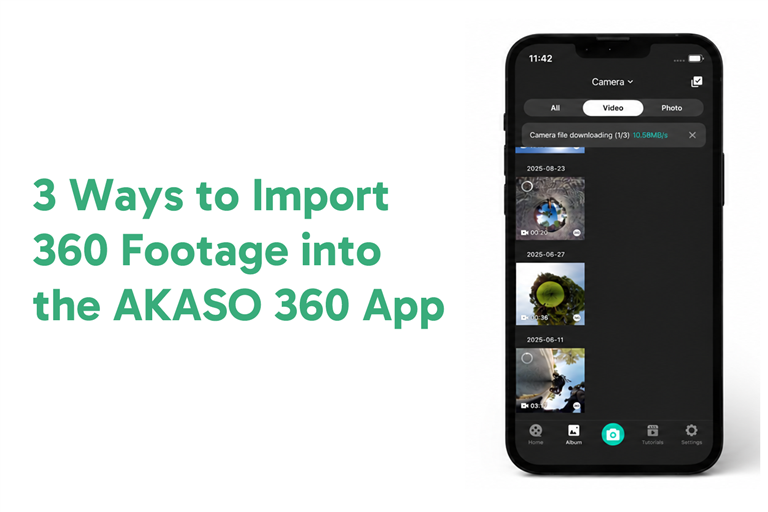
How do I start editing footage in the AKASO 360 App?
How do I capture and view DNG8 photos? Why do they look like regular photos in the app?
Learn More
Video Tutorials
Connect to the Mobile App
Connect to the Mobile App
App Interface Overview
App Interface Overview
How to Edit AKASO 360 Footage After Shooting
Mobile App Editing Tutorial
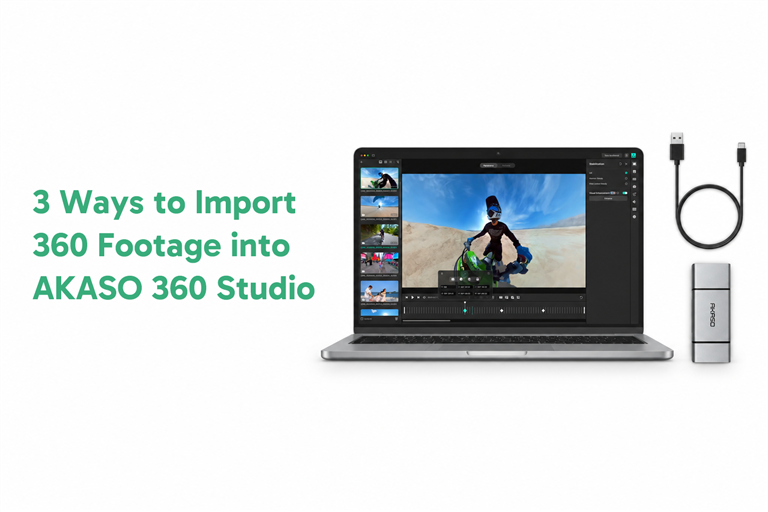
Edit with the PC App - AKASO 360
Edit with the PC App - AKASO 360
How to Choose the Right Editing Mode for AKASO 360
Pano or Reframe?
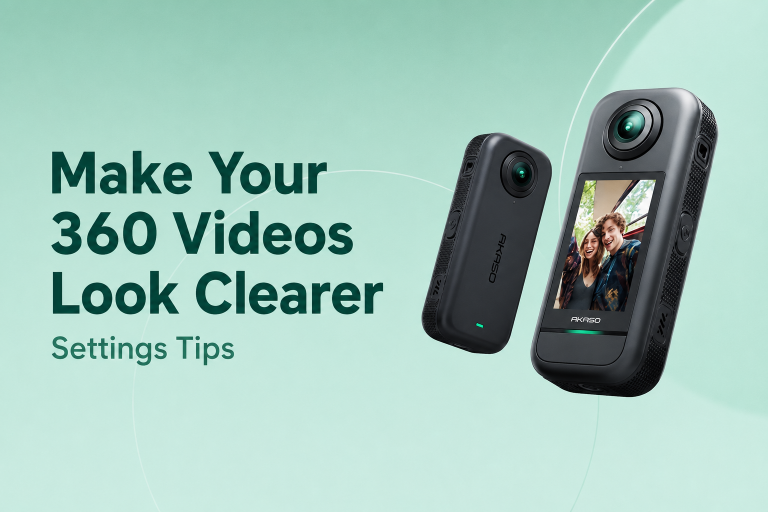
How to Make AKASO 360 Videos Look Clearer
Settings Tips
Learn More
Blog Tutorials
Learn More
Still Need Help?
You can always contact us through live chat, scheduling a call, or requesting email support
 Online Chat
 Phone
Phone Community
 Email
Email Facebook
 Feedback