The new “Walking Planet” SmartClip template is now live in the AKASO 360 app — making it easier than ever to create viral 360 shots.
No editing skills needed. Just walk, and let the app do the rest.
🔔 To access this template, make sure your AKASO 360 app is updated to version 2.0.2 or later.
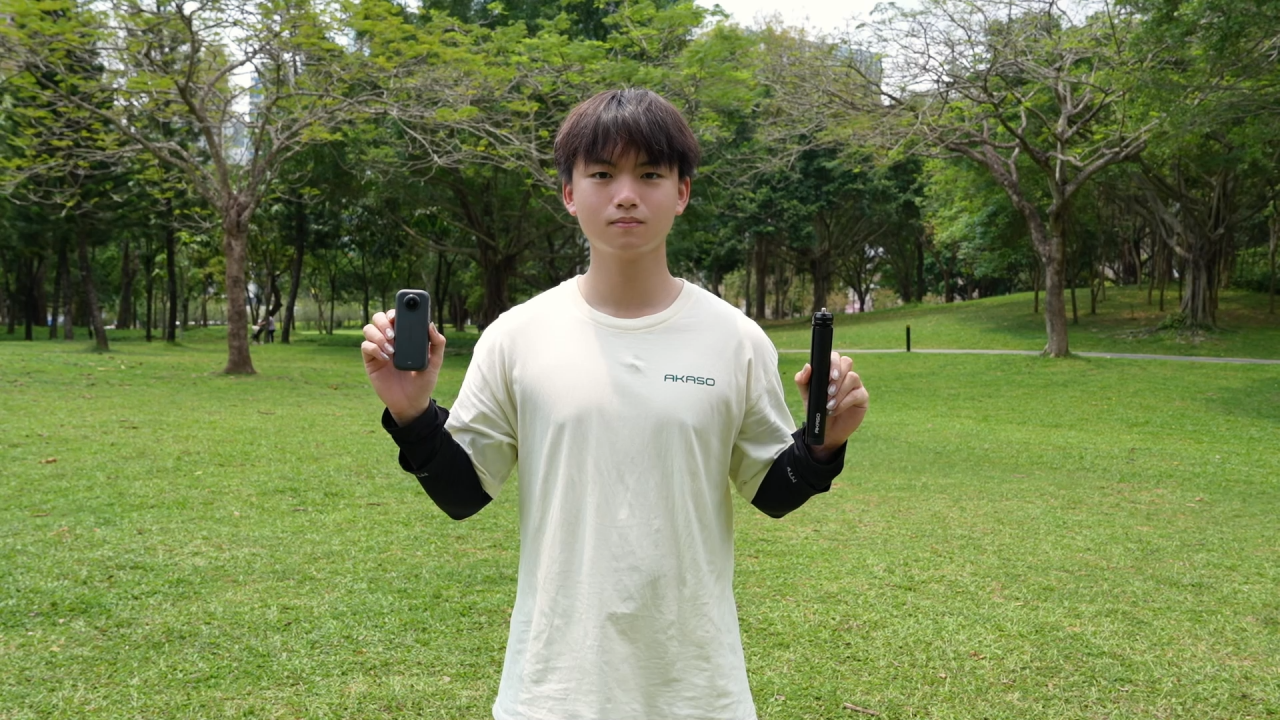
🛠 What You Need
Camera: AKASO 360 Action Camera
Stand: A simple mini-tripod
Space: Any flat, open spot like a park or your backyard.
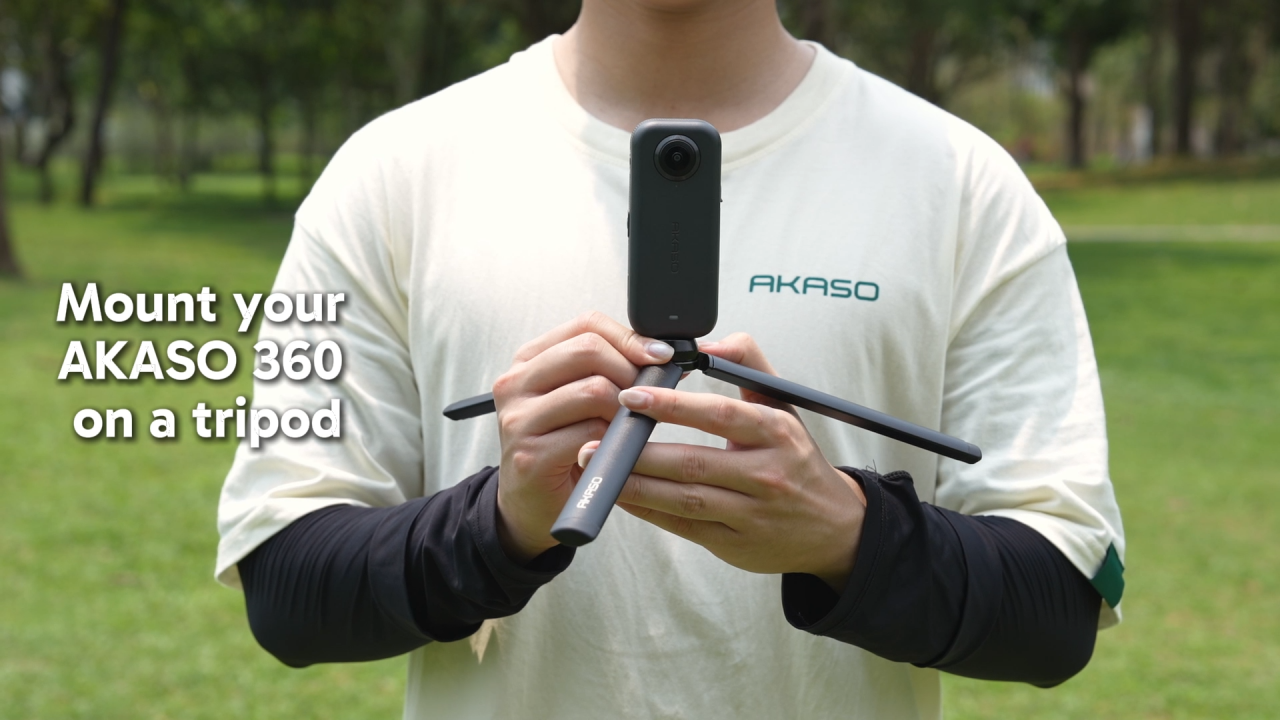
Step 1: Quick Setup
To get the best-looking video, make sure your camera is set to:
Mode: Video
Quality: 5.7K / 30fps
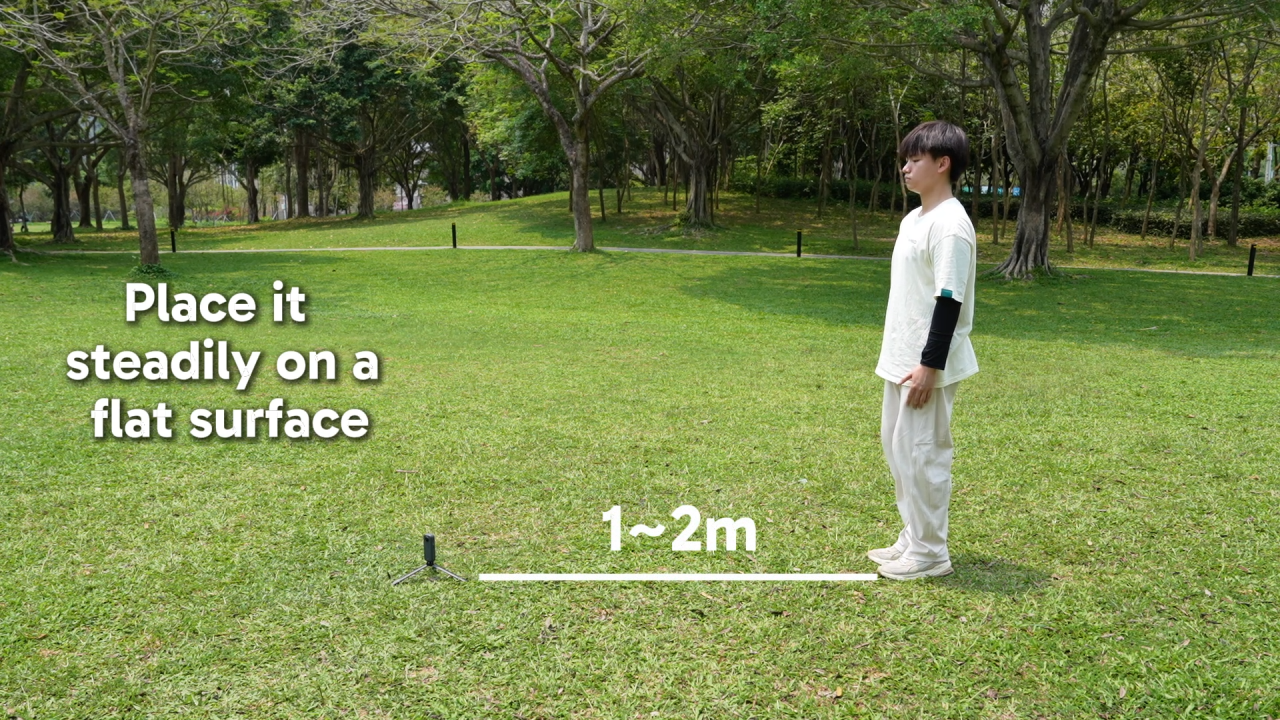
Step 2: The Easy Circle
This is the only part you need to do!
Stay Steady: Place your tripod firmly on the ground.
Take a walk: Walk in a full circle around the camera.
Find the Sweet Spot: Keep about 1-2 meters away for a perfect look.
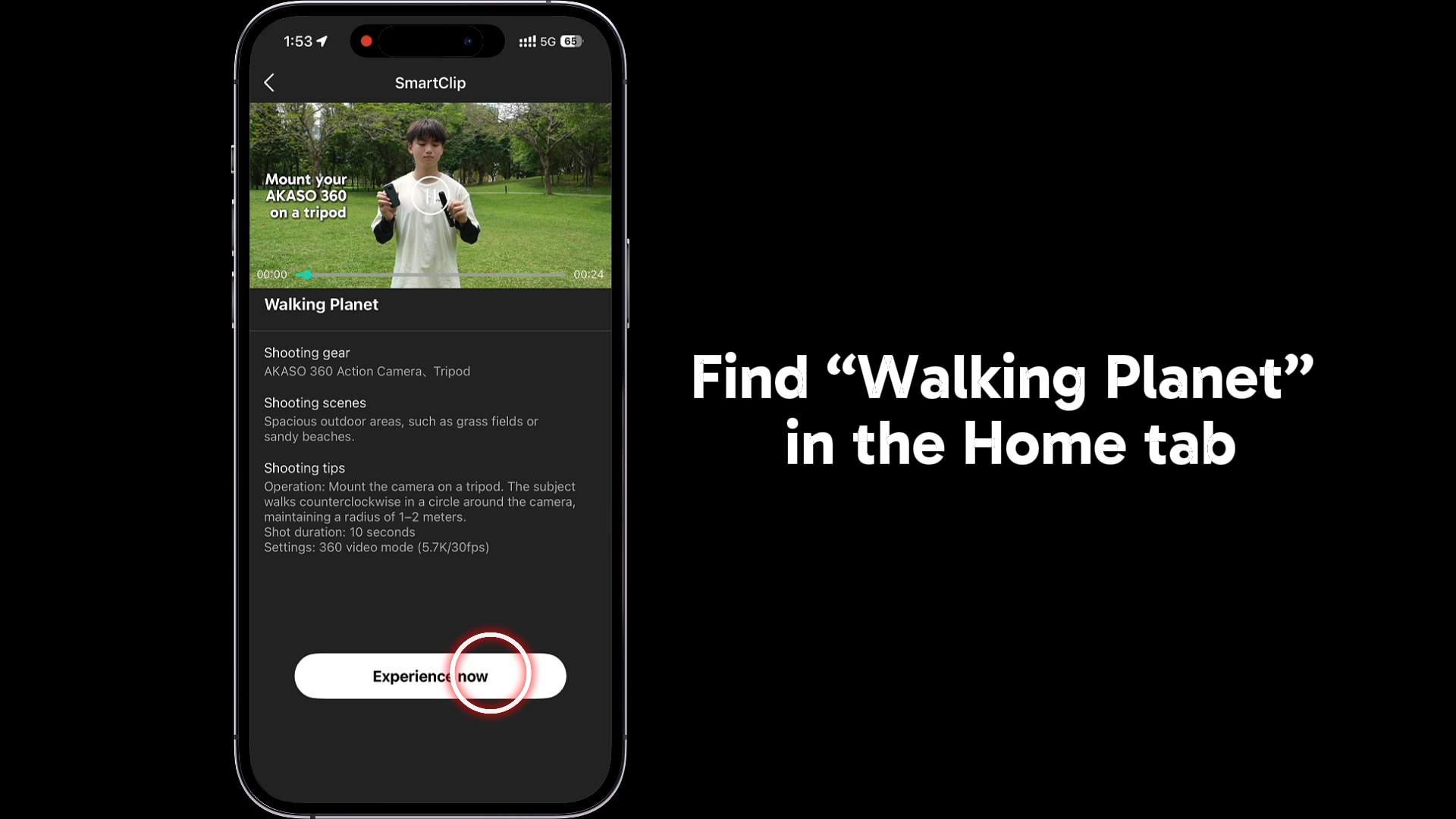
Step 3: One-Tap Magic
Get Your Clip: Open the Album in the App and download your video.
Find the Look: Go to the Home tab, enter SmartClip, and pick "Walking Planet."
Watch it Change: Tap "Use" → "Experience now" and select your video.
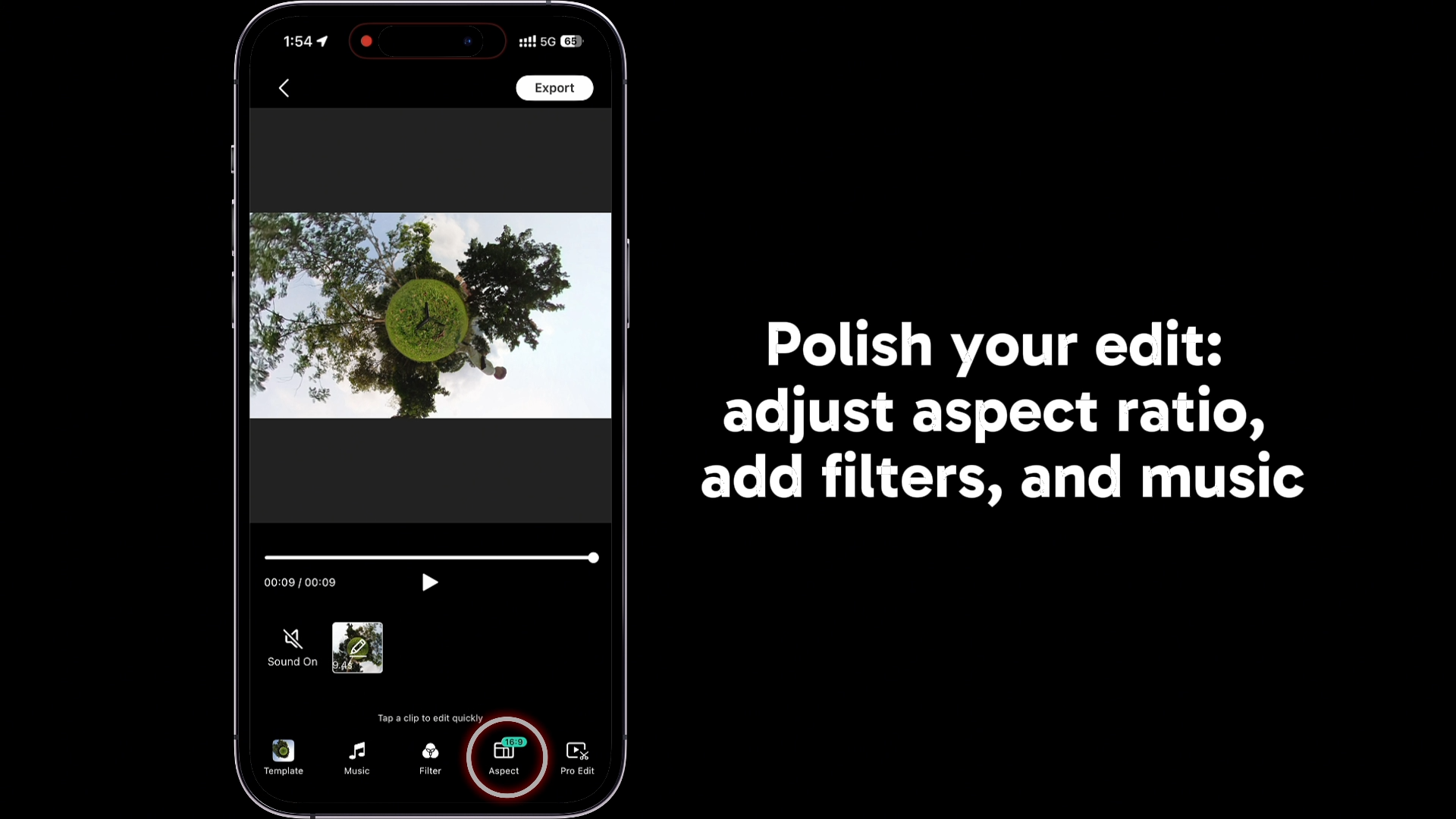
Step 4: Add Your Personal Touch (Optional)
Want to change things up? Before saving, you can:
Resize: Pick the best shape for TikTok or Instagram.
Colors: Pick a filter to change the mood.
Tunes: Add a song that fits your walk.
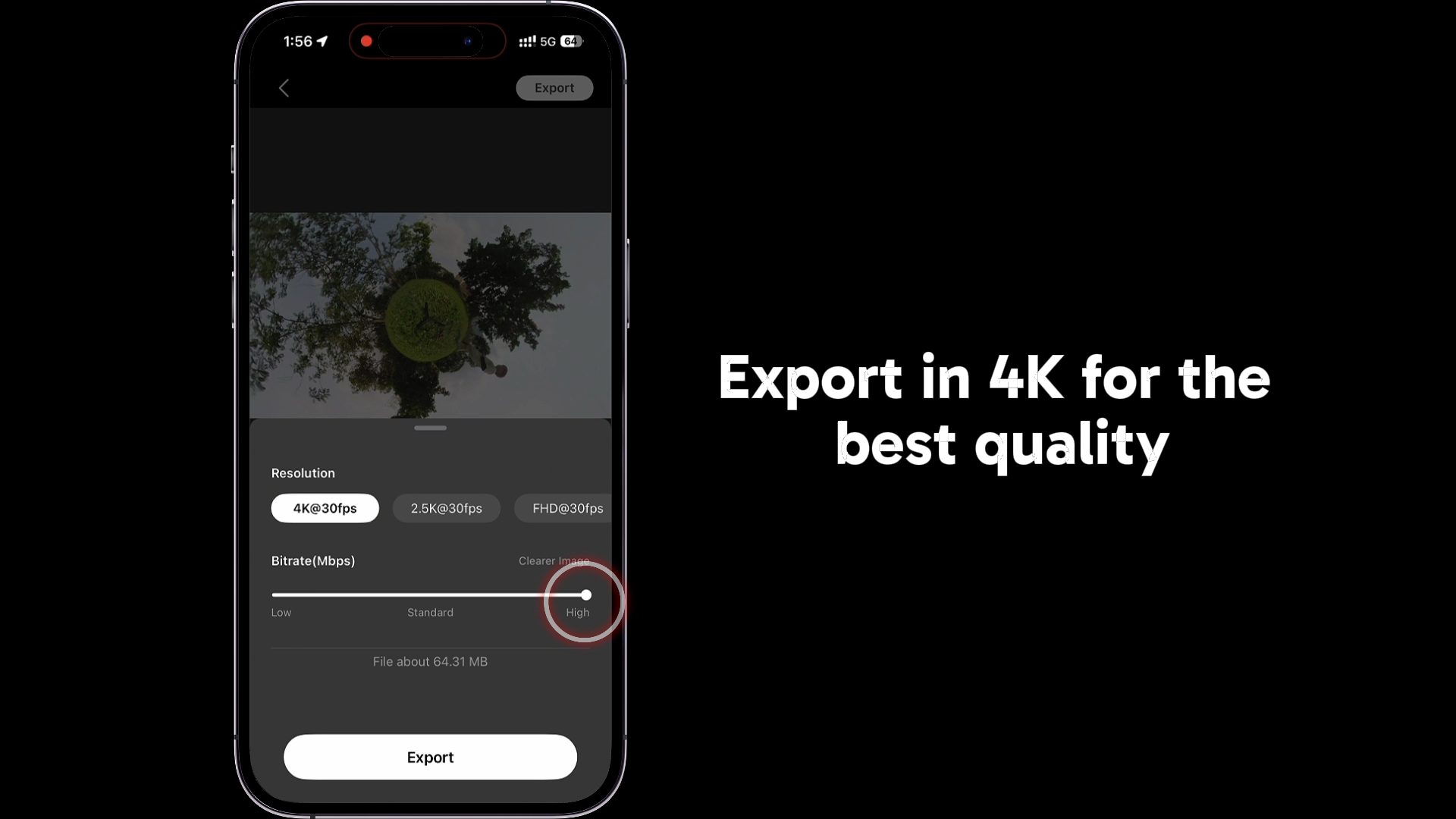
Step 5: Save & Share
Best Settings: Save at 4K @ 30fps with High Bitrate.
The Result: Crisp, high-quality video ready for social media
Ready to try it yourself?
Open your AKASO 360 App and create your first Walking Planet today.
And your footage deserves to be seen.
Share it with #ShareWithAKASO — no themes, no limits, just your world.
Standout creations get featured, with a chance to win $200.
Don’t have an AKASO 360 yet?
Start your journey and capture your world in 360.
How to Shoot
View All > how to,AKASO 360 App,SmartClip tutorial,360 video ideas
How to Use AKASO 360 SmartClip: Flower Blooming Tutorial for Beginners
04/30/2026 HD Sports Video Cameras, Sports Camera
Play, Pause, Replay: The Benefits of HD Sports Video Cameras for Coaches
03/06/2024 Snorkeling
How Does Snorkeling Work Underwater?
05/06/2021